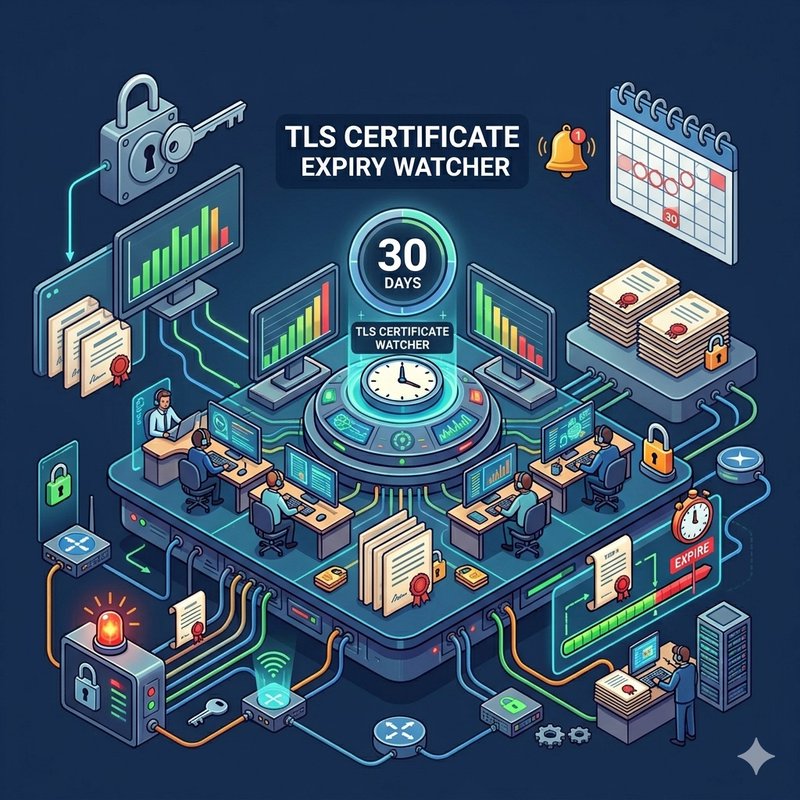
## Stop discovering expired certificates from browser warnings.
This flow scans your cert-manager Certificate CRDs daily, calculates days until expiry, and drops a Slack alert for any certificate approaching its deadline - before it actually expires and takes down your ingress.
## How it works
1. **Cron** fires every morning at 9 AM and carries your alert configuration: threshold days, Slack channel, and bot token.
2. **Custom Resource List** queries the Kubernetes API for all `cert-manager.io/v1` Certificate resources across namespaces. No HTTP probes, no external APIs — reads directly from the cluster.
3. **Array Split** fans out one message per certificate.
4. **JS Eval** parses `status.notAfter` from each certificate, calculates days until expiry, and flags certificates below your threshold.
5. **Router** sends expiring certificates to Slack. Non-expiring ones flow to a Debug sink — inspect them if you're curious, otherwise they're silently absorbed.
6. **Slack Send** posts an alert: certificate name, namespace, expiry date, and days remaining.
## Setup
1. Install this solution. Make sure cert-manager is running in your cluster.
2. Open the Cron settings and configure: `threshold_days` (default 30), `slack_token` (Bot User OAuth Token), and `slack_channel` (channel ID).
3. Start the Cron. First check runs immediately; subsequent checks fire daily at 9 AM.
4. To test, send a manual signal to the Cron node.
## Knobs to turn
- **Threshold**: Set `threshold_days` in Cron context. Default is 30. Set it to 7 if you like living on the edge.
- **Schedule**: Change the cron expression in settings. `0 9 * * 1-5` for weekdays only, `0 */6 * * *` for every 6 hours.
- **Namespace filter**: Add a namespace to the Custom Resource List request to scope checks to a specific namespace instead of cluster-wide.
- **Label selector**: Filter certificates by labels (e.g., `environment=production`) to only watch the ones that matter.
Install with AI
$ claude
> Install the "TLS certificate expiry watcher" agent into my cluster